I've installed it — where is it?
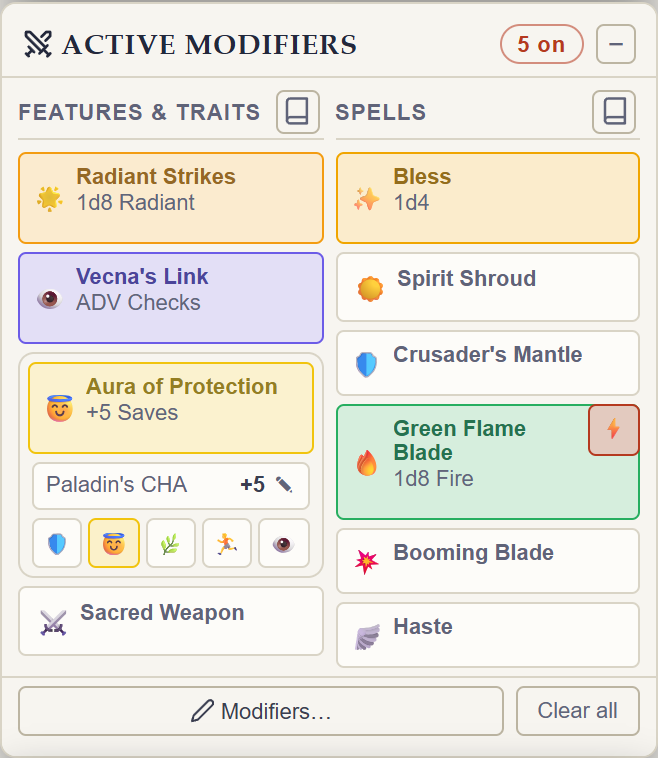
Open any D&D Beyond character sheet. That's it — Rollwarden lives on the sheet itself, not in a browser popup, so there's nothing to click in your toolbar to "start" it. Load a character and the panels are there: a docked sidebar down one side by default, with a ⚙ button up by D&D Beyond's own header for settings.
The one thing that catches people out: it has to be an individual character sheet, not the My Characters list you land on first. Rollwarden deliberately stays out of the way on the list page — there are no dice there to work with — so click into a character and it appears. First time through, it'll offer a short tour.
Can I run Rollwarden alongside Beyond20?
You can, but expect conflicts. Both extensions hook into D&D Beyond's own roll flow to inject bonus dice and automate rolls, so running them together on the same character sheet can cause rolls to double up, apply the wrong modifiers, or behave inconsistently. If you're seeing rolls behave strangely, the first thing to try is disabling one of the two extensions on D&D Beyond. Rollwarden will show a one-time notice if it detects Beyond20 is also active. Neither extension is doing anything wrong — they simply weren't designed to share the same dice pipeline. For how the two extensions compare feature by feature, see Rollwarden vs Beyond20. If you run into a specific conflict, let us know on Discord or at support@rollwarden.app.
Does Rollwarden support Foundry VTT?
Yes — since v0.73.0. Roll on your D&D Beyond sheet and the result arrives in your Foundry game as one of Foundry's own rolls: every die behind it on hover, 3D dice if your table runs Dice So Nice, spoken by the actor with your character's name. Nothing is installed in Foundry — there's no module, and the GM's Foundry app sees them like any other chat message. On a D&D 5e world they arrive as the system's own rolls, so damage groups by type and the GM gets the apply-damage buttons. Initiative, hit points, conditions and death saves keep step too, each with its own toggle. Foundry v11–v14, any game system.
To connect: open your game in this browser and click the Rollwarden button in your toolbar on that tab. A small page names the world and offers Always allow on this address — the game reconnects itself every time — or just this session, which stores nothing. Rollwarden asks for no standing permission on Foundry addresses: only the exact address you approve, listed and revocable in your browser. Trouble? Discord or support@rollwarden.app.
Is Rollwarden free?
Yes. Rollwarden is free to install and use. If you'd like to support development, you can buy the developer a coffee.
Does Rollwarden work on mobile?
No — Rollwarden is a desktop browser extension, so it needs a desktop browser with the extension installed. There's no mobile version, and mobile Chrome and Safari don't support extensions of this kind at all.
Does Rollwarden support Firefox?
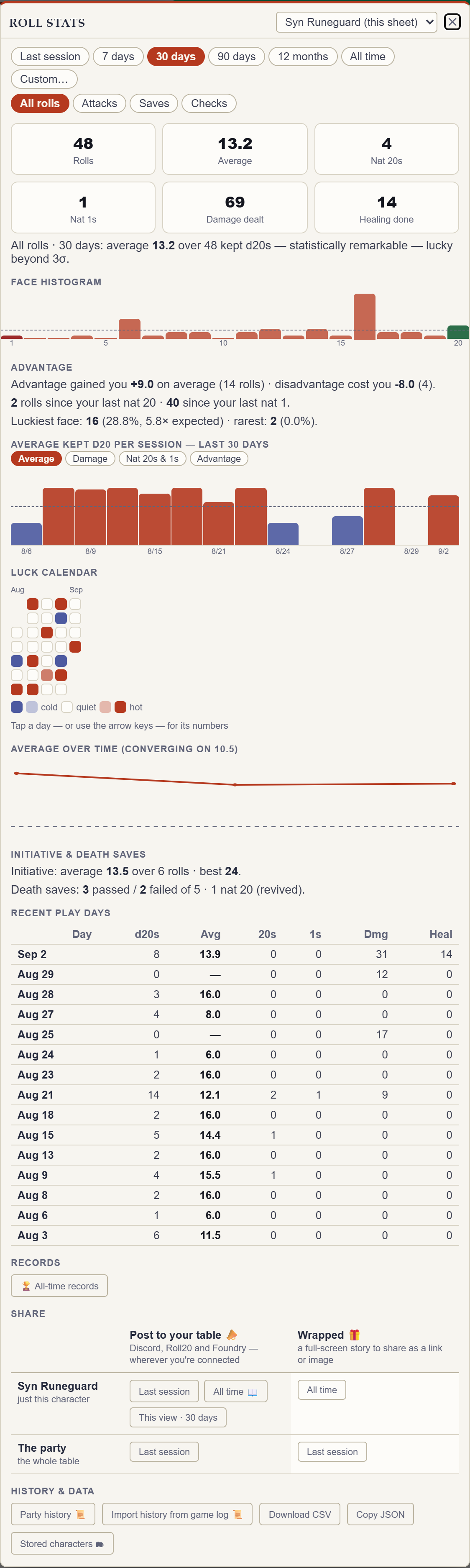
Yes. Firefox is fully supported — it's the same extension, not a cut-down version. Modifier panels, dice interception, companions, Roll Log and stats, and pushing rolls to Discord and Roll20 all work exactly as they do on Chrome. It's a genuine port rather than a repackage: the mechanism Rollwarden uses to hook D&D Beyond's dice was re-validated on Firefox's engine before we'd claim support.
Install it from Rollwarden on Firefox Add-ons.
Which browsers does Rollwarden support?
All three major desktop browsers, each from its own store: Chrome, Firefox and Edge.
Other Chromium browsers — Brave, Vivaldi and Opera — install from the Chrome Web Store and work the same way. Edge users can do that too, but the Edge listing means first-party updates instead of a Chrome extension. Chromebooks are covered as well — ChromeOS runs the Chrome extension unchanged.
Does Rollwarden work on a Chromebook?
Yes. ChromeOS runs the same extension as any other Chrome, installed from the Chrome Web Store exactly as it would be on Windows or macOS. There is nothing separate to download and no desktop application involved — which is rather the point, since a Chromebook can't install one.
Everything behaves the same: the modifier panels, dice injection, companions, the Roll Log and stats, and pushing rolls to Discord and Roll20. Chromebooks are a large share of how Rollwarden actually gets used, so if something looks wrong on ChromeOS it's worth telling us about on Discord or at support@rollwarden.app.
Where do I report a bug or request a feature?
Join the Rollwarden Discord or email support@rollwarden.app — both are actively monitored.