Toggle a modifier. The math handles itself.
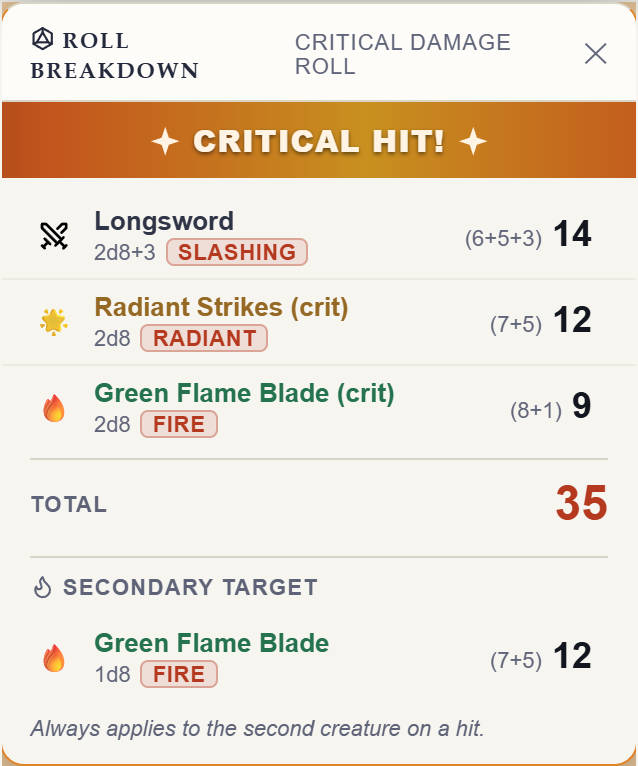
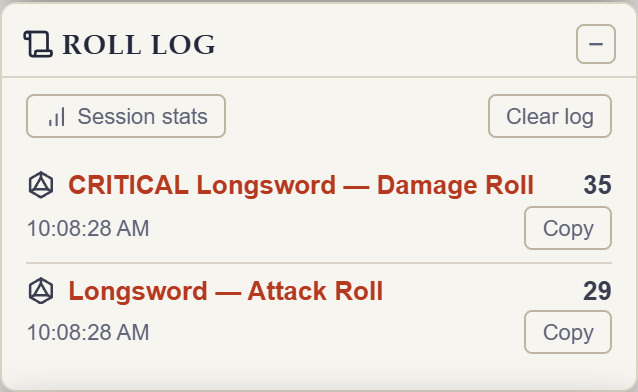
Rollwarden hooks D&D Beyond's own dice worker — bonus dice animate and land in the Game Log like any other roll.
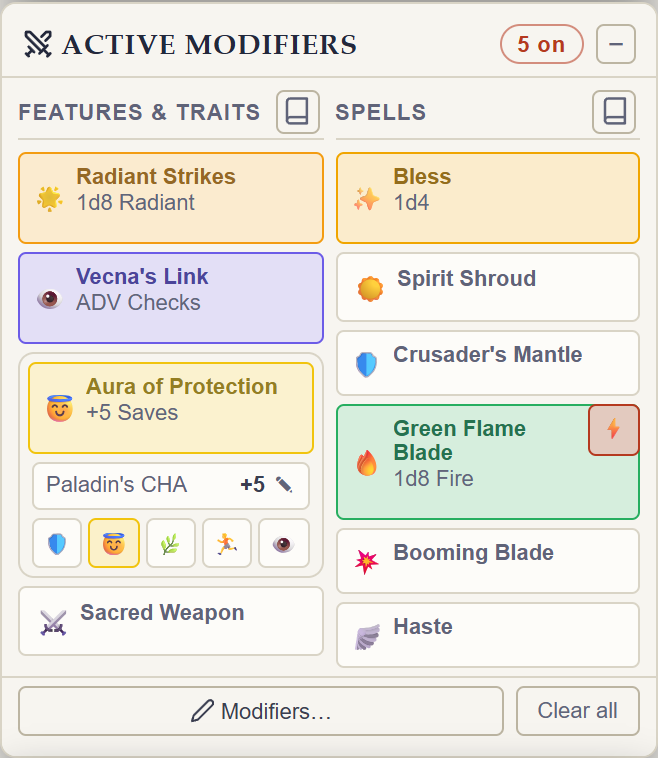
Every modifier you've got, one click away.
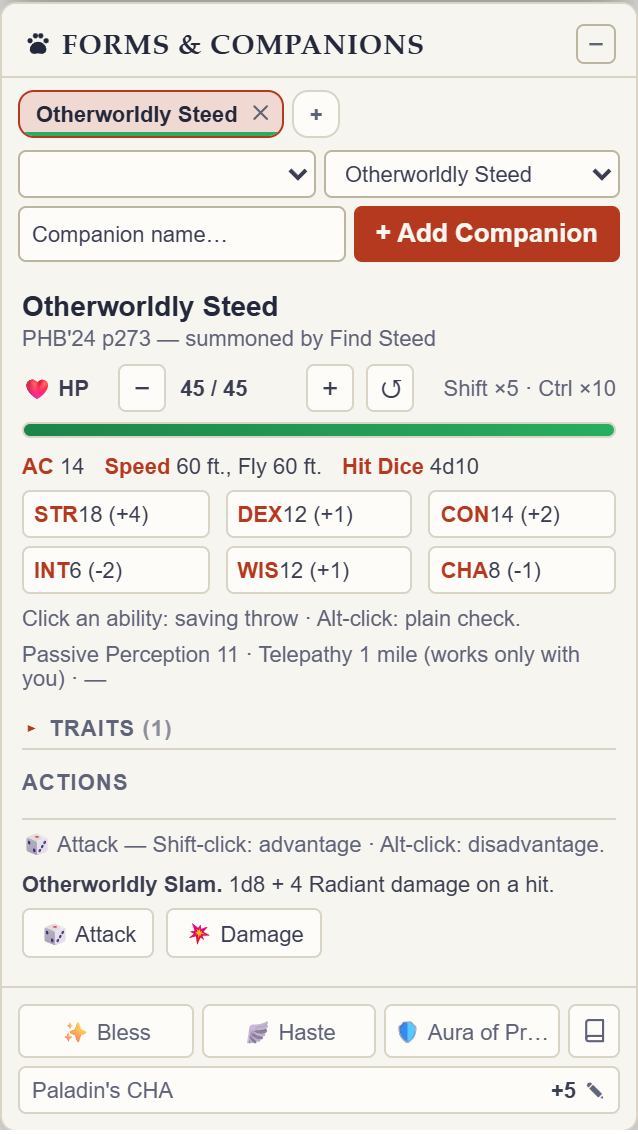
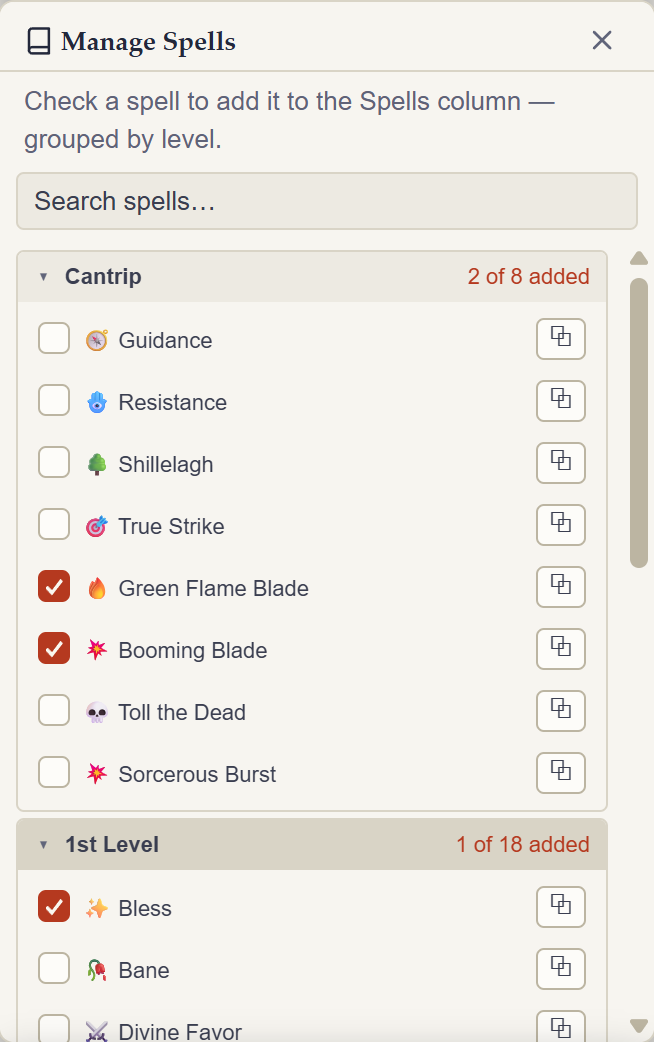
- Modifiers are organized into two columns, Features & Traits and Spells. Each column has its own manager for hiding entries you don't use.
- Each card shows its dice or bonus at a glance, and which damage types it covers — multi-element modifiers like Crimson Rite let you pick the active element right on the card.
- Fresh installs start with a curated set of broadly useful modifiers visible; everything else waits in "Manage hidden" instead of cluttering your panel.
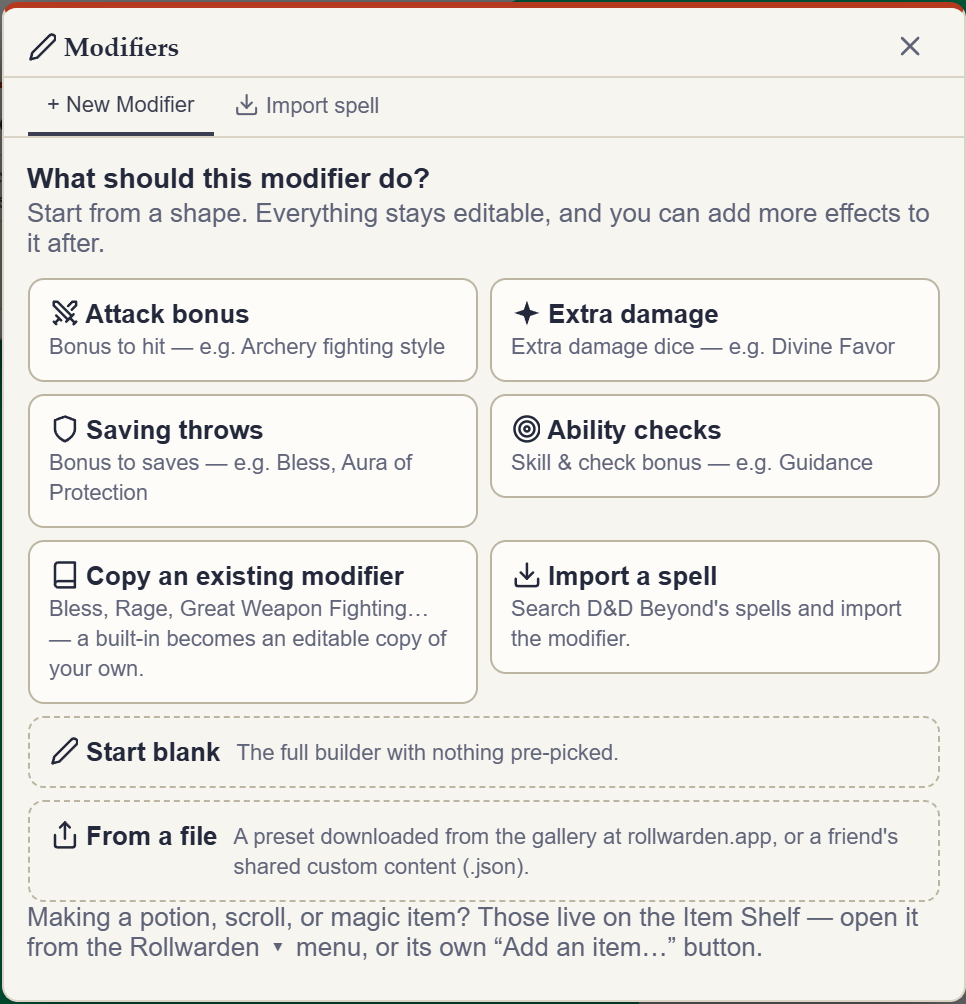
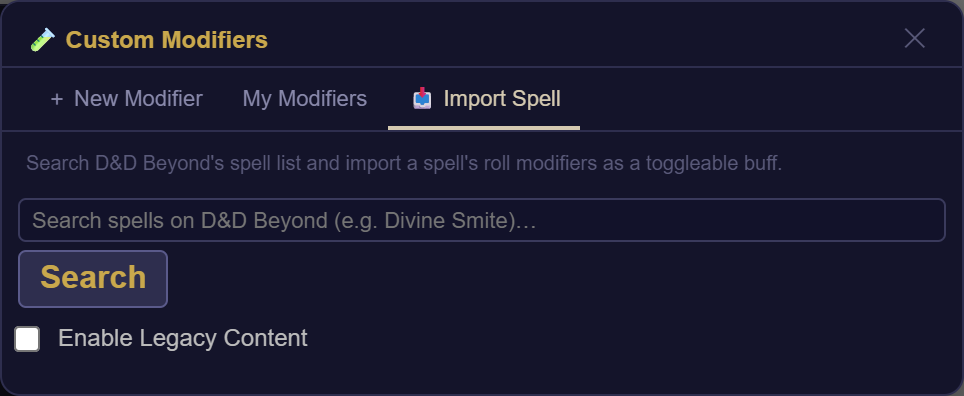
- Add your own custom modifier, or clear every active toggle (with an Undo, in case that was a mistake), right from the panel footer.
- Edition- and multiclass-aware: a 2014 character gets the 2014 shape of a feature and a 2024 character the 2024 one, and class-scaled dice read the level of the class they belong to — a Rogue 5 / Fighter 12 rolls a rogue 5’s Sneak Attack, not a level 17’s.
Live dice injection
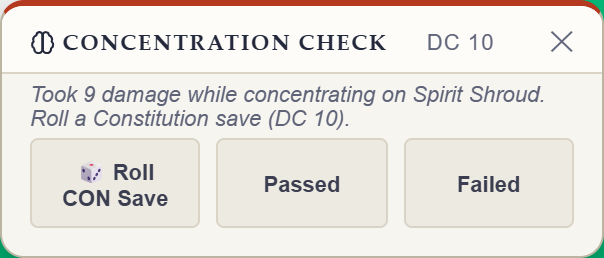
Bless, Divine Favor, Spirit Shroud, Crimson Rite, Haste, Sacred Weapon and more — bonus dice get injected into the matching attack, damage, save, or check automatically.
Crit-aware
Critical hits double a modifier's bonus dice, detected from a context-menu crit or a natural 20 on the preceding attack. An armed crit shows a chip you can click to cancel before it fires.
Skill & save restrictions
Modifiers like Warder's Intuition only fire on the roll types they actually apply to, like Investigation checks.
Forced advantage
Vecna's Link, Large Form, Grappled, and Haste automatically force advantage on the saves and checks they affect.
Live AC & Speed
Haste updates AC (+2) and Speed (×2) directly on the sheet the moment it's toggled on.
Exhaustion, handled
Rollwarden mirrors your sheet's Exhaustion level and applies your edition's rules automatically — the 2024 per-level penalty or the 2014 ladder, initiative included. Nothing to toggle.